 FSI Doc Manager
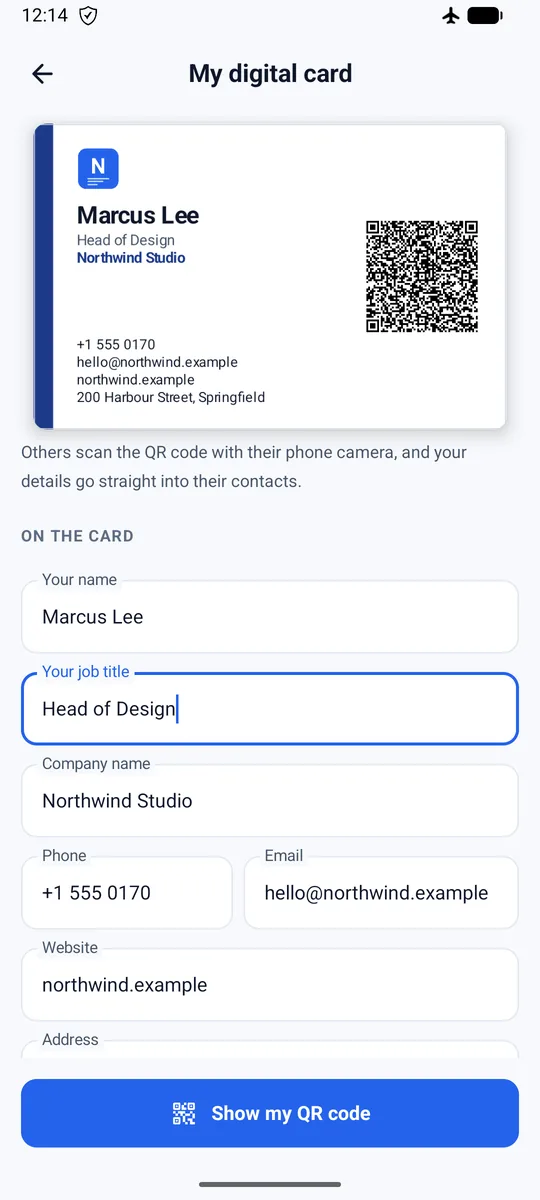
Paper visiting cards run out and get lost. A digital business card lives on your phone: the other person scans its QR code with their phone camera, and your name, number and e-mail go straight into their contacts. With FSI Doc Manager you can make one in a minute, for free, and still print paper cards when you need them.
1. Open My digital card
Go to Tools → For office work and tap My digital card.
2. Fill in your details
Type what should go on the card: your name, job title, company, phone, e-mail, website and address. Leave out anything you don't want to share.
3. Pick a design
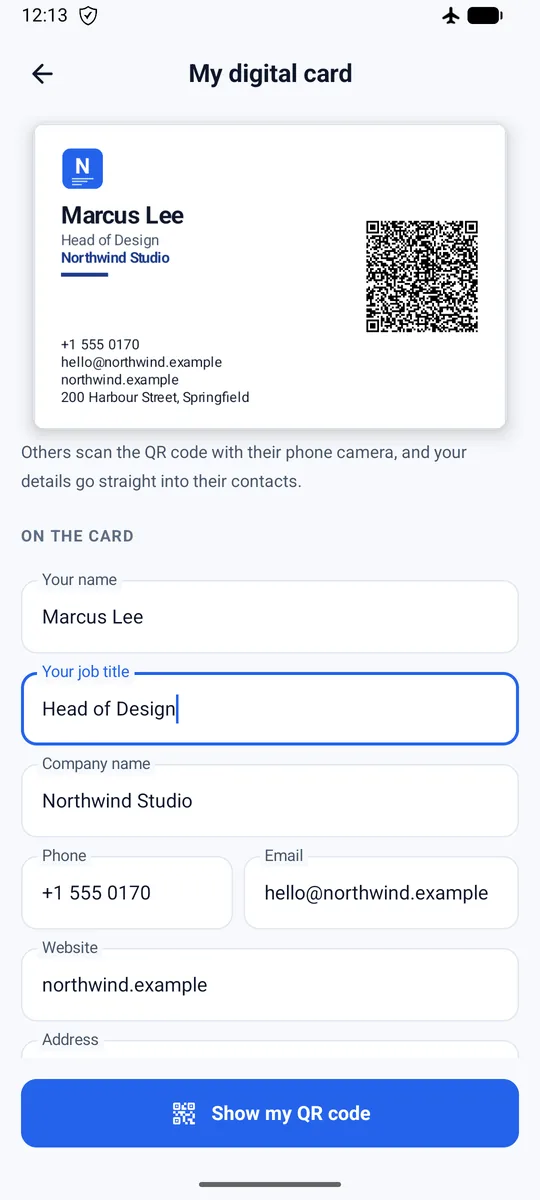
Choose one of eight designs and a colour. The QR code is added for you.
4. Show your QR code
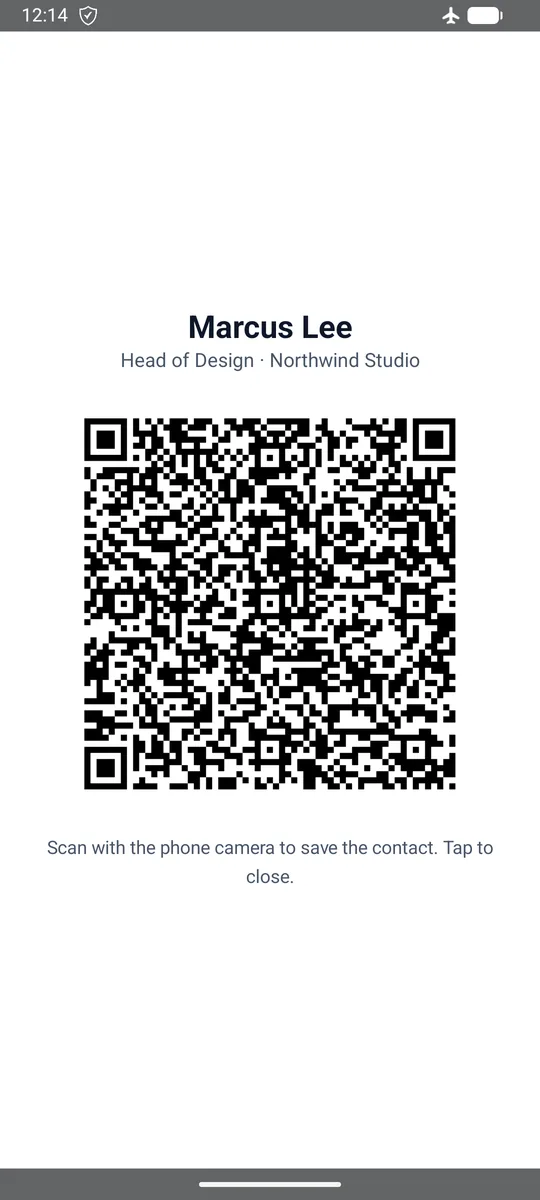
When you meet someone, tap Show my QR code. They open their phone camera and point it at the code. Their phone offers to save you as a new contact. No app is needed on their side.
5. Share it or print it
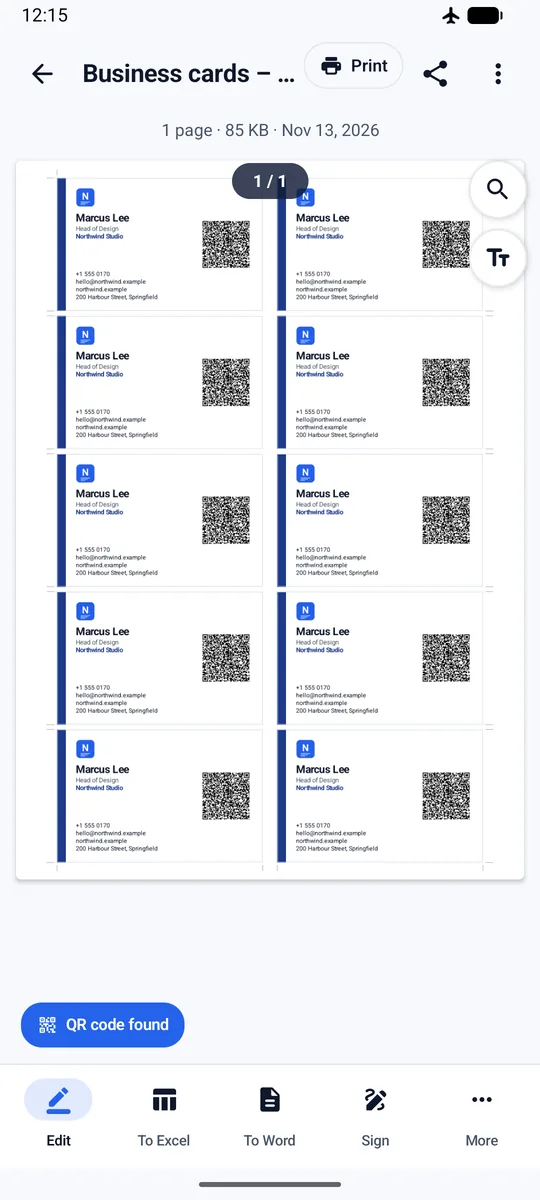
You can also share your contact as a contact file, share a picture of the card, or print ten cards on one page to cut out.
Tips
- Put the picture of your card as a pinned message or status, so customers can save your number anytime.
- Use your business e-mail and a phone number you answer during work hours.
- Your company logo comes from your company details, so all your papers match.
FSI Doc Manager is free on Google Play.