Scan anything
Sharp PDFs from paper, receipts, notes and books, with the edges found for you.
- Book mode: one photo, two pages
- ID cards: front and back on one page
- Passport and visa photos for many countries
FSI Doc Manager is a document scanner, PDF editor and office toolbox. Scan papers and ID cards, edit and sign PDFs, turn photos into Word and Excel, keep your cards safe, track receipts and send invoices - right on your phone.
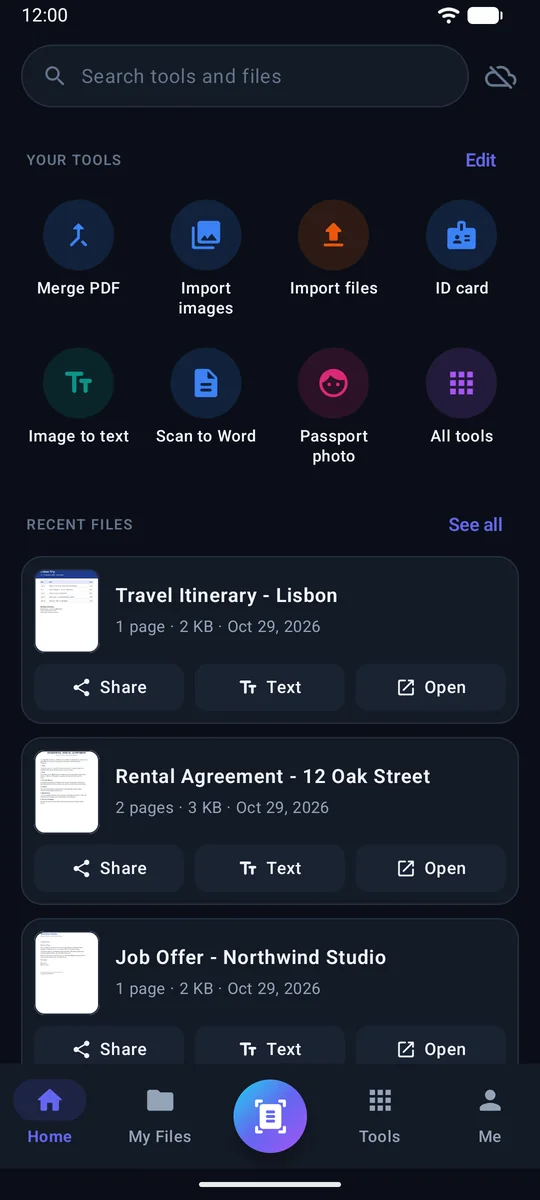
One app instead of five: a scanner, a PDF editor, office tools, a wallet for your cards and a small business kit.
Sharp PDFs from paper, receipts, notes and books, with the edges found for you.
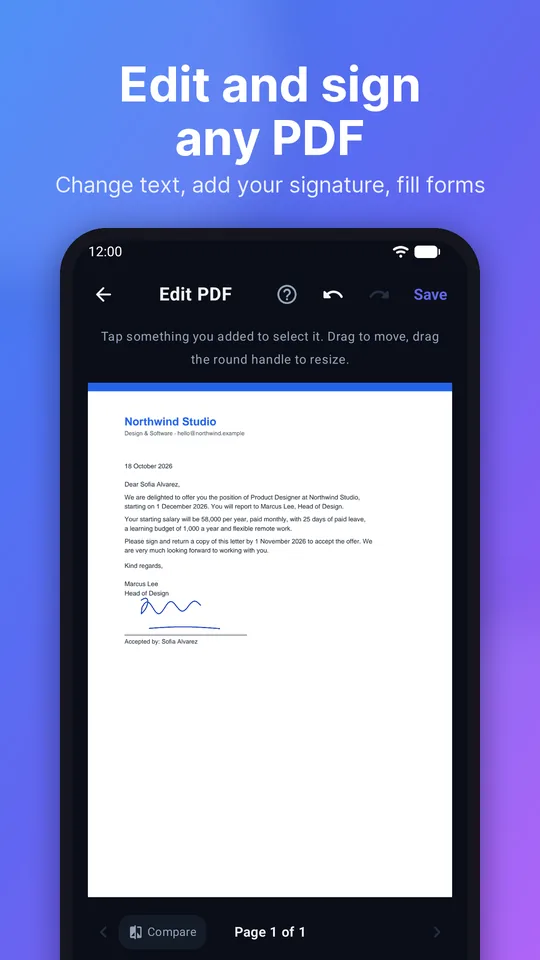
Change the text already in a PDF, in the same size and colour.
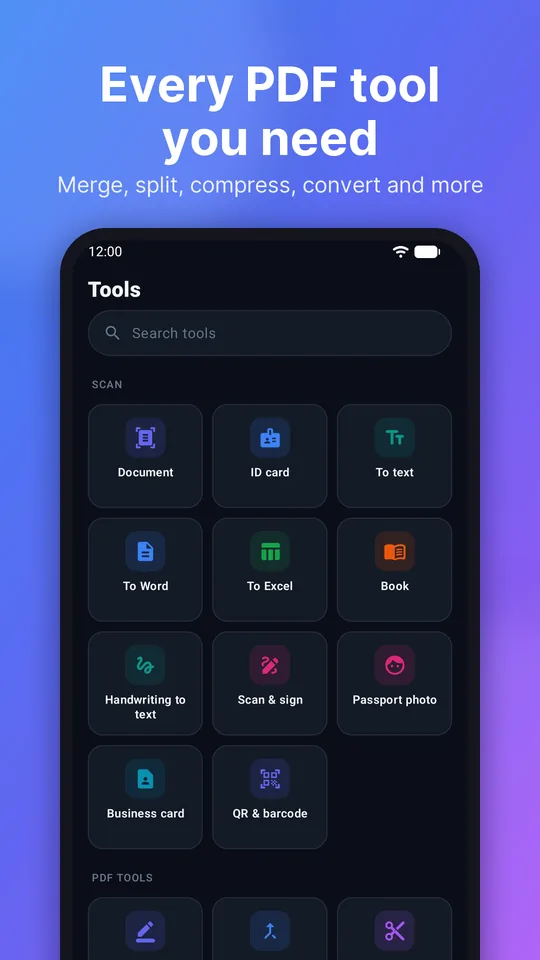
Merge, split, compress and reorder pages in seconds.
Turn PDFs and photos into files you can edit - tables stay tables.
Copy the text from photos and PDFs, then translate it.
Ask your files questions and read the hardest pages - only when you choose it.
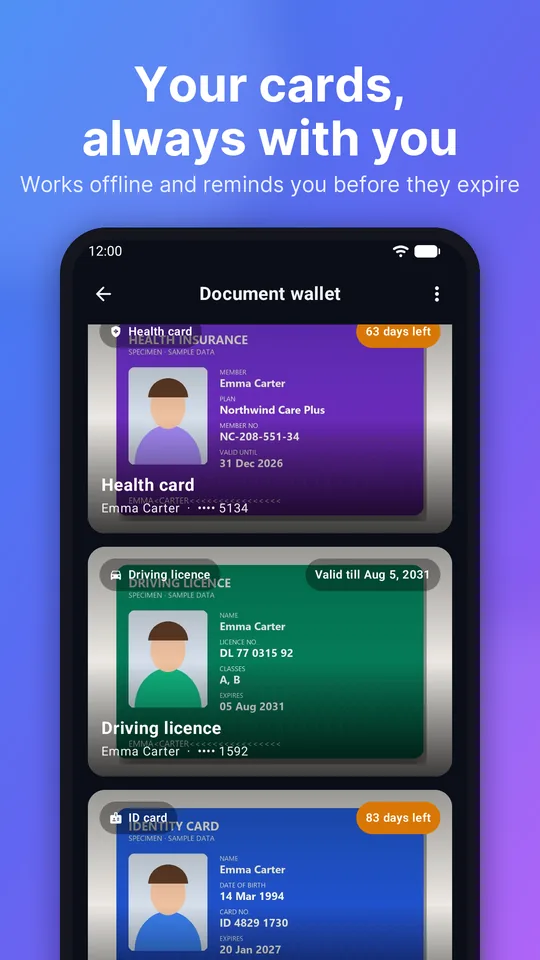
ID cards, passports and licences, always with you - even offline.
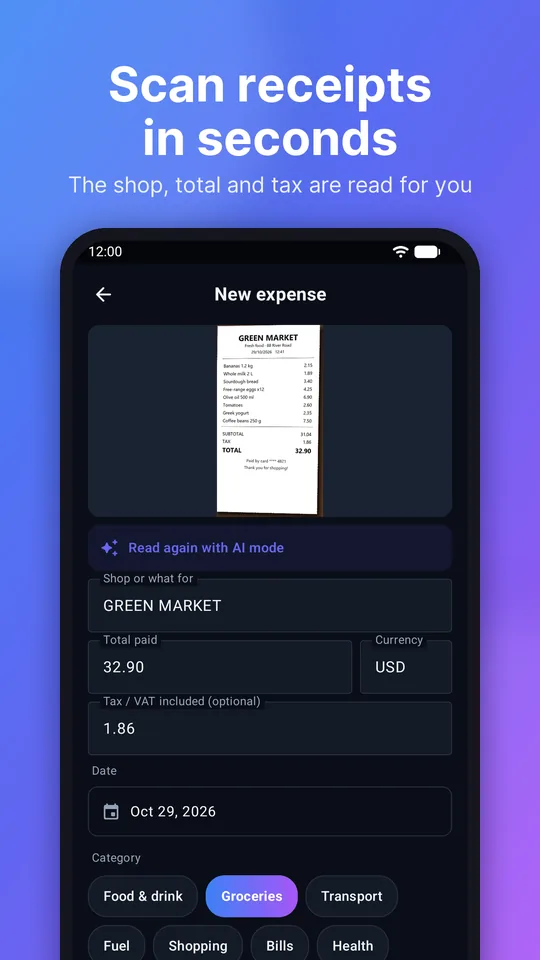
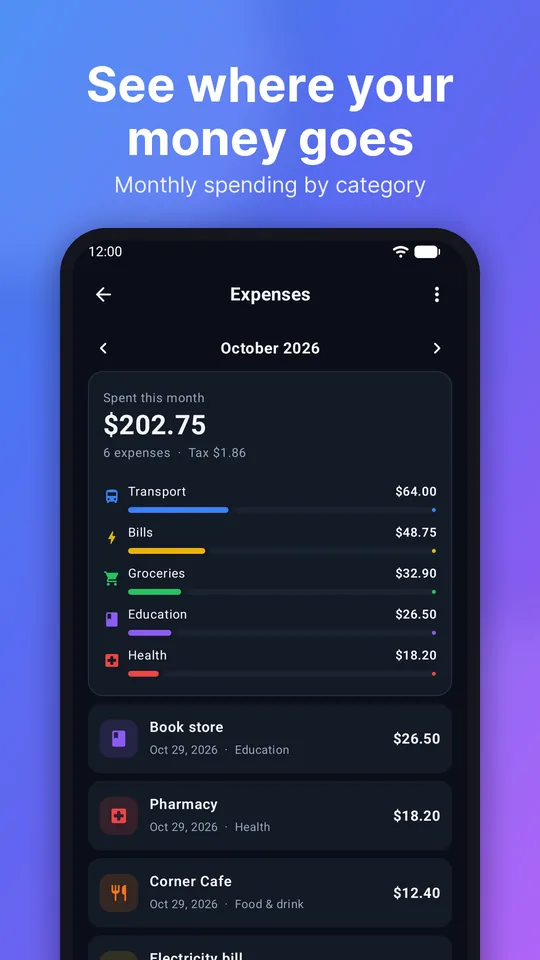
Scan a receipt: the shop, total and tax are read for you.
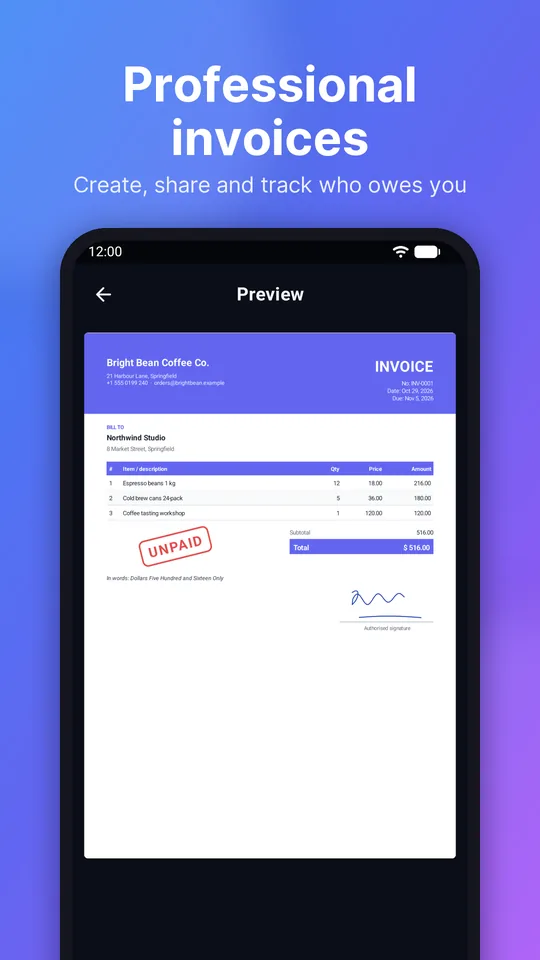
Professional invoices, quotations and receipts with your logo.
Ready-made letters, sheets and slides with your details filled in.
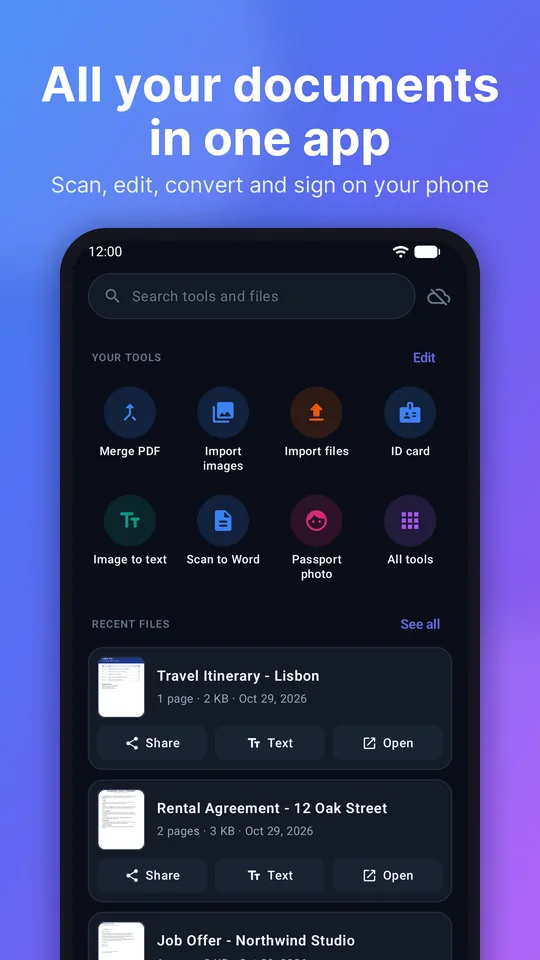
Folders, favourites and one search for files, tools and the words inside them.
Back up to your own Google Drive, or save everything as one .zip.
Photograph a paper, pick photos, or open a PDF, Word or Excel file from your phone.
Change text, sign, fill forms, merge pages, or turn it into Word, Excel or PowerPoint.
Send it on WhatsApp or email, save it to your phone, print it, or back it up to your Drive.
Swipe to see more. All names and details in these pictures are made up.
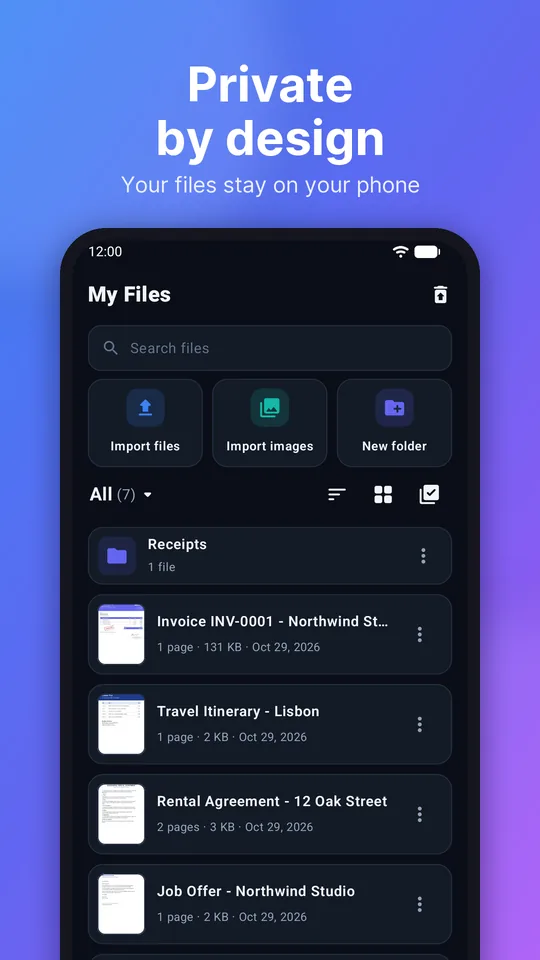
We built FSI Doc Manager so that your papers are yours. There is no account to create and no cloud of ours to trust.
Read the privacy policyThe whole app, including help and the AI answers, in 11 languages.
Yes. Every tool is free, with ads. Premium is optional: it removes all ads, gives unlimited saves in the PDF editor and 50 AI pages a day.
No. Scanning, text reading, translation and editing happen on your phone, and we never upload your files to our servers. Pages leave your phone only if you choose AI mode (they go to Google's Gemini AI) or back up to your own Google Drive.
Mostly, yes. Scanning, PDF tools, editing and your files work offline. Text reading and translation need internet once to download a language.
English and other languages written in the Latin alphabet (Spanish, French, Portuguese, Indonesian, Turkish, Vietnamese and more), plus Hindi and Bangla. The app itself is in 11 languages.
Subscriptions are handled by Google Play. Open the Play Store app, tap your profile picture, then Payments & subscriptions → Subscriptions → FSI Doc Manager → Cancel.
Android 7.0 and newer - phones, tablets and foldables.
Scan, edit, sign and convert your documents today. No account needed.