 FSI Doc Manager
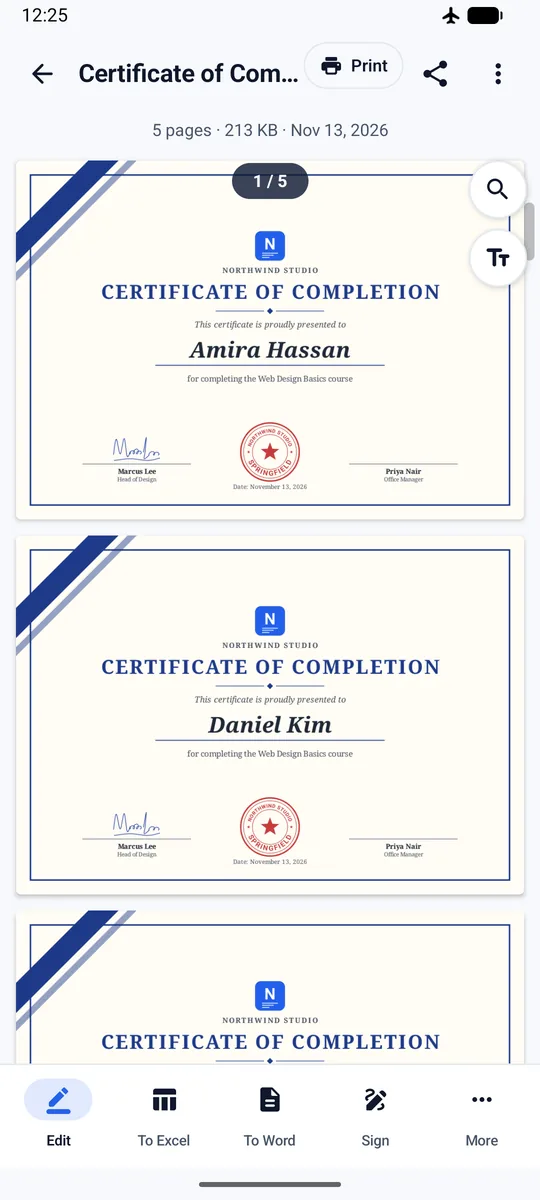
End of the school year, a training course or a sports day: everyone needs a certificate with their own name on it. With FSI Doc Manager you type the names once and get one certificate for each person, ready to print or share. It's free and works on any Android phone.
1. Open the certificate maker
Go to Tools → For office work and tap Certificate maker.
2. Pick the kind
Choose Achievement, Completion, Thanks, Taking part or Excellence. You can change the title and the line above the name, for example "This certificate is proudly presented to".
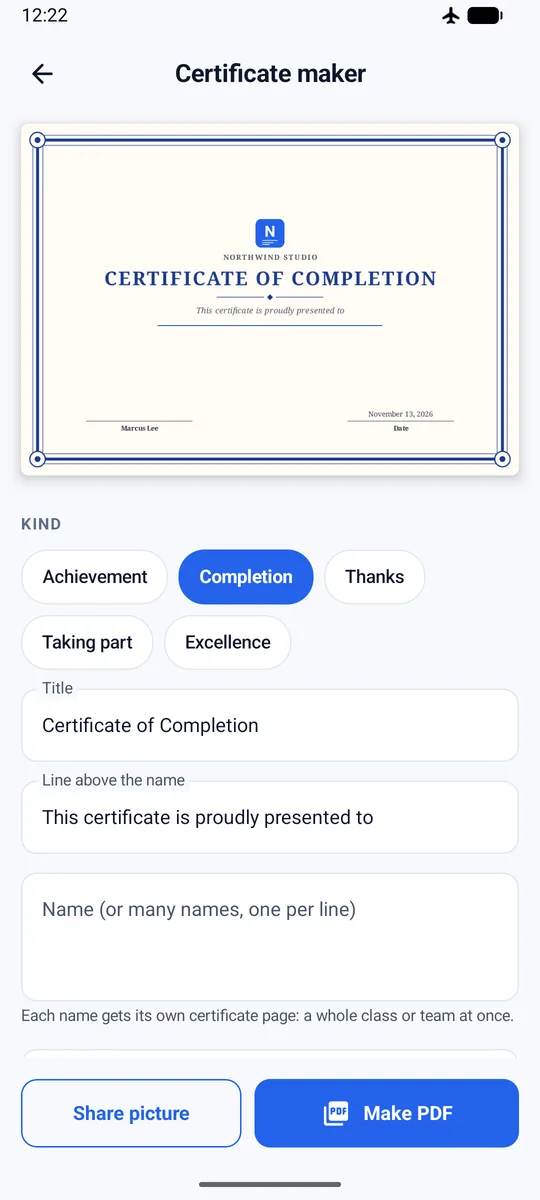
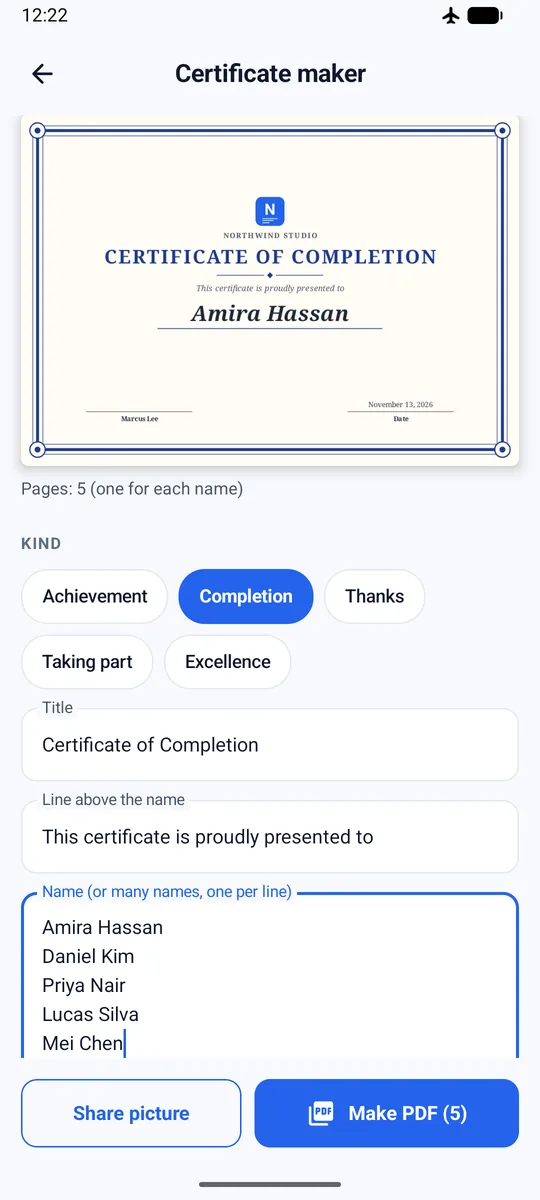
3. Type the names, one per line
Type or paste all the names, one name per line. The app shows how many pages you'll get: one for each name.
4. Add the details and who signs it
Add what the certificate is for, the date, and your school, company or club. Then add who signs it. You can add a second signer, your signature and your company seal.
5. Pick a design and check the preview
Choose one of six designs and a colour, and check the preview at the top.
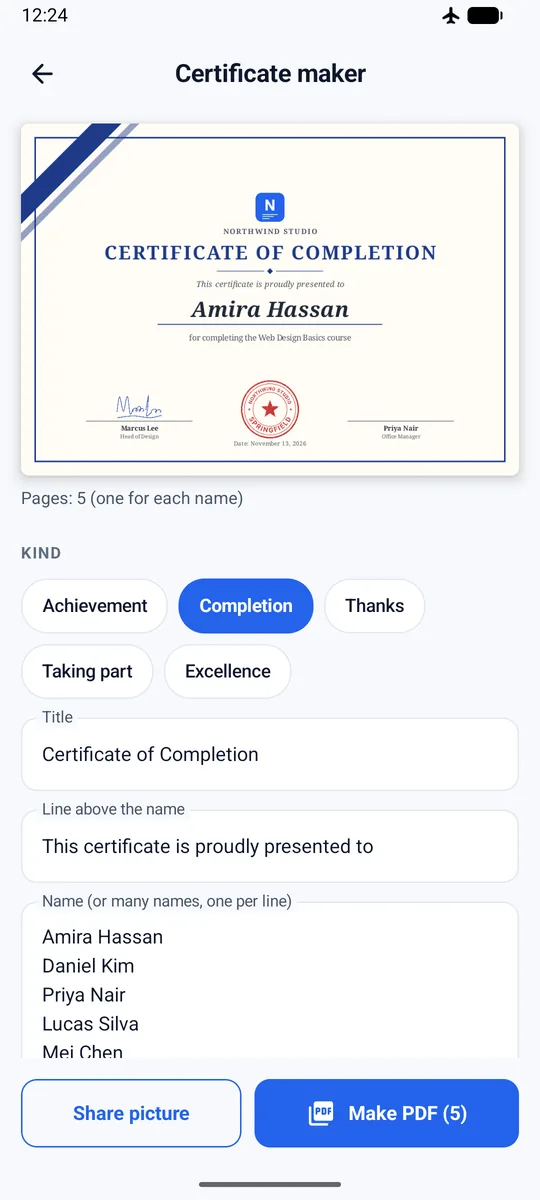
6. Make the PDF
Tap Make PDF. You get one PDF with a page for each name, ready to print or share on WhatsApp or e-mail.
More for schools and offices
Make ID cards for the same group, or your own seal to stamp the certificates.
FSI Doc Manager is free on Google Play.